iPhone· 4 min read
Cracked iPhone screen: what to do now
What to do straight after cracking your iPhone screen, why you shouldn't wait too long and what matters when the screen is replaced.
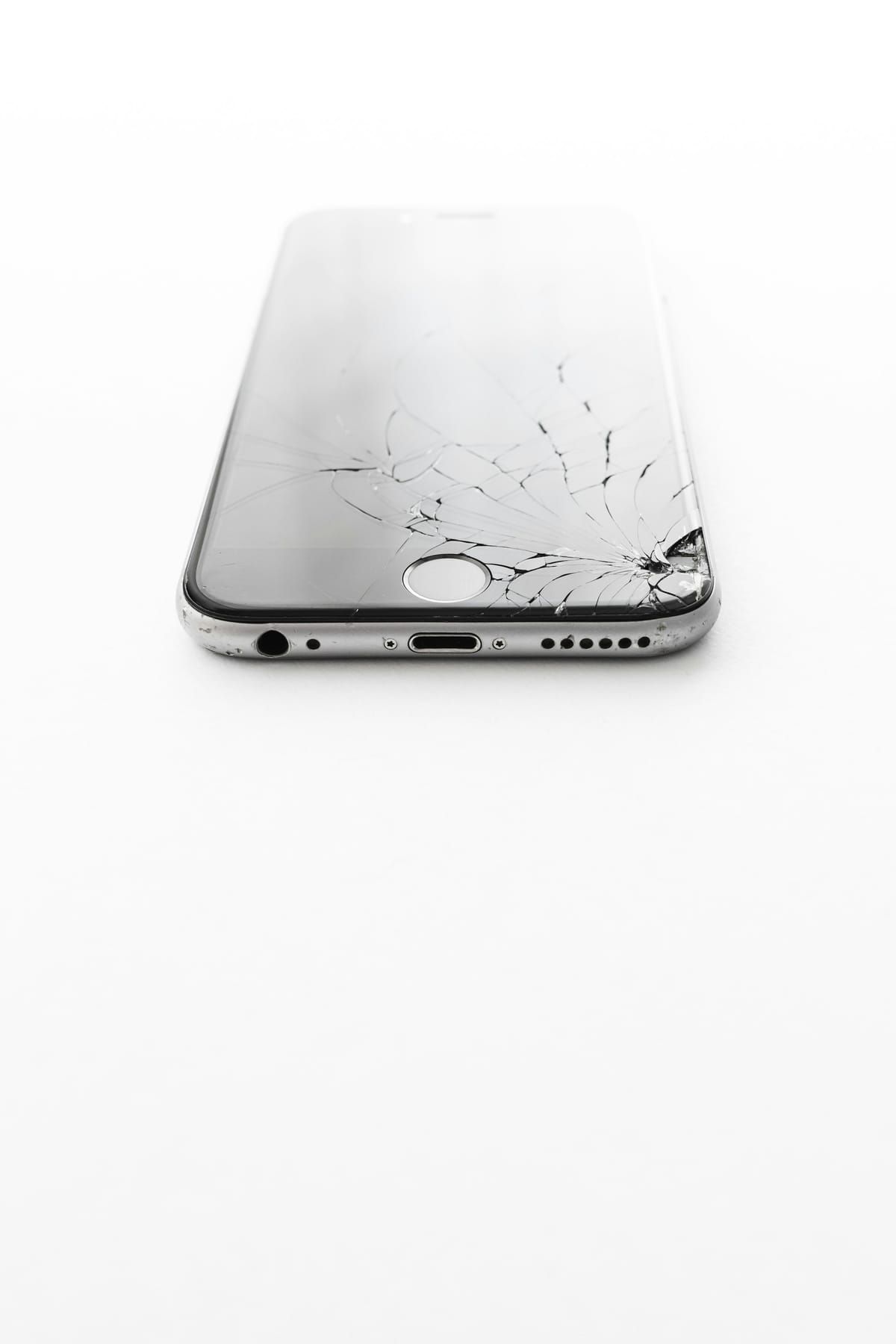
A brief moment of carelessness – and your iPhone screen is cracked. Don’t worry: a screen replacement is one of the most common repairs of all, and with us it’s done within 1 hour.
What you should do right away
- Make a backup while the touchscreen still works. Cracks often keep spreading, and at some point the touch stops responding.
- Secure the shards: If the glass is badly shattered, a screen protector or clear sticky tape will stop you from cutting yourself.
- Don’t wait too long: Dust and moisture can get into the device through cracks. A damaged screen can also put strain on other components over time.
How to recognise screen damage
- Cracks or splinters in the glass
- Stripes, blotches or green lines
- The touchscreen doesn’t respond at all, responds only partially or “taps” by itself
- The screen stays black even though the iPhone rings or vibrates
Even if only the glass is cracked, we replace the complete screen unit on modern iPhones – the glass and the display panel are permanently bonded together.
Which screen will I get?
For the stated fixed price, we fit a high-quality replacement screen – perfectly suited to everyday use, with clean touch response and good brightness. If you’d prefer a screen in original quality, that’s also possible; just ask and we’ll be happy to give you the price.
Good to know
On newer iPhones, a notice about the parts and service history may appear in Settings after a screen replacement. This is normal with independent repair shops. Your data stays intact during a screen replacement, and you get a 12-month warranty on the repair.
You’ll find the fixed price for your model via the model search on the homepage or directly in our price list.