iPhone· 4 min read
iPhone not charging? 6 fixes that often help right away
Before you assume it's broken: charging problems are often down to the cable, dirt or a software setting. Here's how to find the cause.
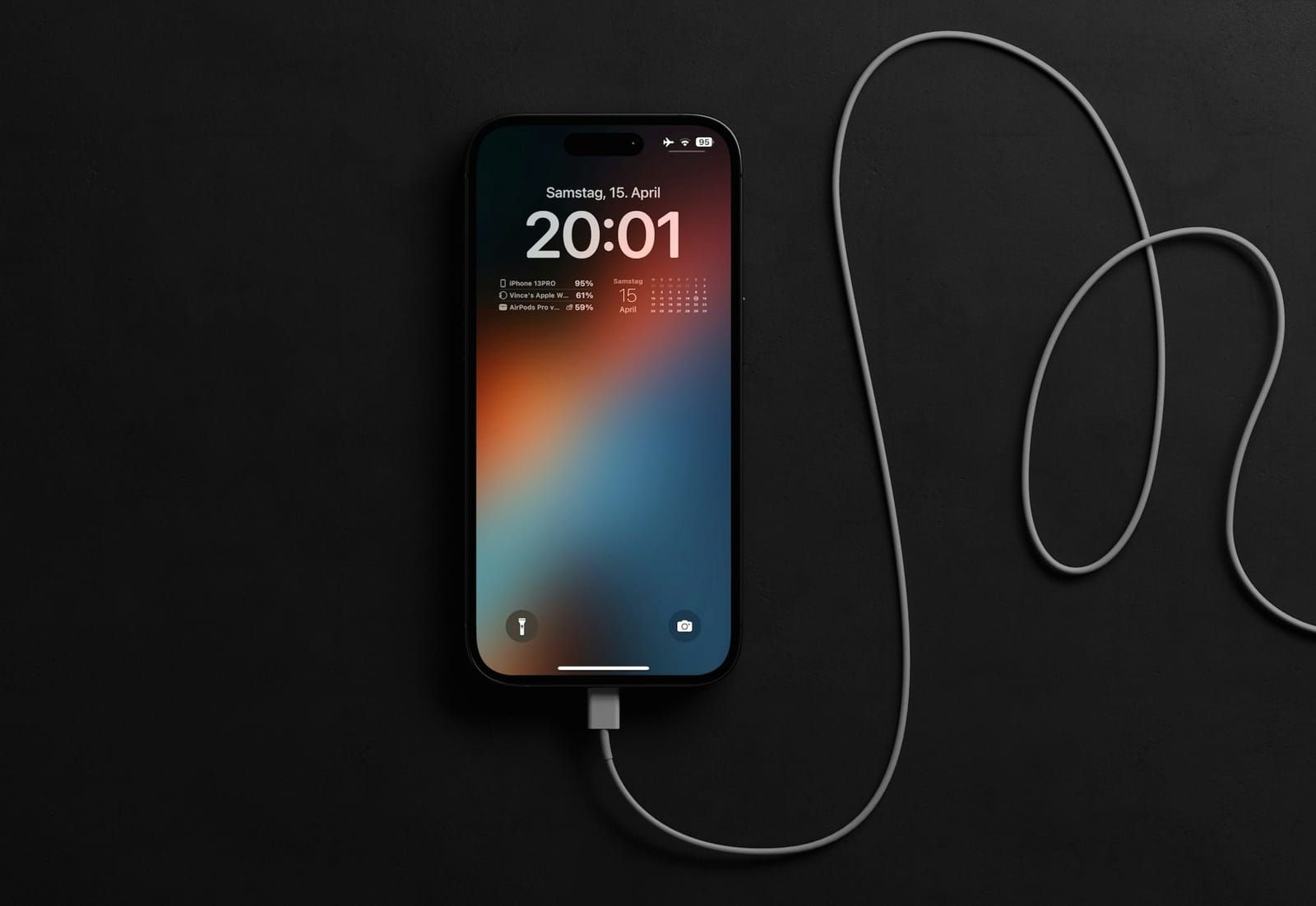
Your iPhone has stopped charging, charges only very slowly or only when the cable is in a certain position? In many cases you can fix the problem yourself in just a few minutes. Work through these points one by one.
1. Swap the cable and power adapter
The charging cable is the most common culprit. Try a different cable and a different power adapter. Use original accessories or certified cables (MFi or USB-C from brand-name manufacturers) – cheap cables often deliver too little power or break quickly.
2. Check the socket and adapter
It sounds obvious, but it saves time: charge from a different wall socket, or test the power adapter with another device.
3. Carefully clean the charging port
Dust and pocket lint collect in the charging port and get compacted every time you plug in. The cable then no longer clicks into place properly. Shine a torch into the port. If you see dirt, it’s best to let us remove it – metal objects can damage the delicate contacts.
4. Force a restart
Sometimes the software hangs. A force restart helps: briefly press volume up, briefly press volume down, then press and hold the side button until the Apple logo appears.
5. Check your charging settings
If your iPhone stops at 80%, it’s usually not a fault: the “Optimised Battery Charging” feature or a charge limit you’ve set is protecting the battery. You’ll find the options under Settings → Battery. If your iPhone is very warm, it will also pause charging until it has cooled down.
6. Check Battery Health
Under Settings → Battery → Battery Health you can see the maximum capacity. If it’s well below 80% or the message “Service” appears, a battery replacement makes sense.
When a repair is needed
If none of this has helped, the charging port or the battery is probably faulty. We can usually replace either of them on the same day. Just drop by – we’ll first check whether a clean is enough before we replace anything.